Dragon messenger Competing


Videos
Gallery
-
![IMG_20260106_132220]() IMG_20260106_132220
IMG_20260106_132220
-
![IMG_20260106_132215]() IMG_20260106_132215
IMG_20260106_132215
-
![IMG_20260106_132219]() IMG_20260106_132219
IMG_20260106_132219
-
![IMG_20260106_132211]() IMG_20260106_132211
IMG_20260106_132211
-
![IMG_20260106_132208]() IMG_20260106_132208
IMG_20260106_132208
-
![IMG_20260106_132203]() IMG_20260106_132203
IMG_20260106_132203
-
![IMG_20260106_132212]() IMG_20260106_132212
IMG_20260106_132212
-
![IMG_20260106_132217]() IMG_20260106_132217
IMG_20260106_132217
-
![IMG_20260106_132216]() IMG_20260106_132216
IMG_20260106_132216
-
![IMG_20260106_132209]() IMG_20260106_132209
IMG_20260106_132209
-
![IMG_20260106_132218]() IMG_20260106_132218
IMG_20260106_132218
-
![IMG_20260106_132201]() IMG_20260106_132201
IMG_20260106_132201
-
![IMG_20260106_132200]() IMG_20260106_132200
IMG_20260106_132200
-
![IMG_20260106_132202]() IMG_20260106_132202
IMG_20260106_132202
-
![IMG_20260106_132204]() IMG_20260106_132204
IMG_20260106_132204
-
![IMG_20260106_132159]() IMG_20260106_132159
IMG_20260106_132159
-
![IMG_20260106_132207]() IMG_20260106_132207
IMG_20260106_132207
-
![IMG_20260106_132155]() IMG_20260106_132155
IMG_20260106_132155
-
![IMG_20260106_132157]() IMG_20260106_132157
IMG_20260106_132157


Description
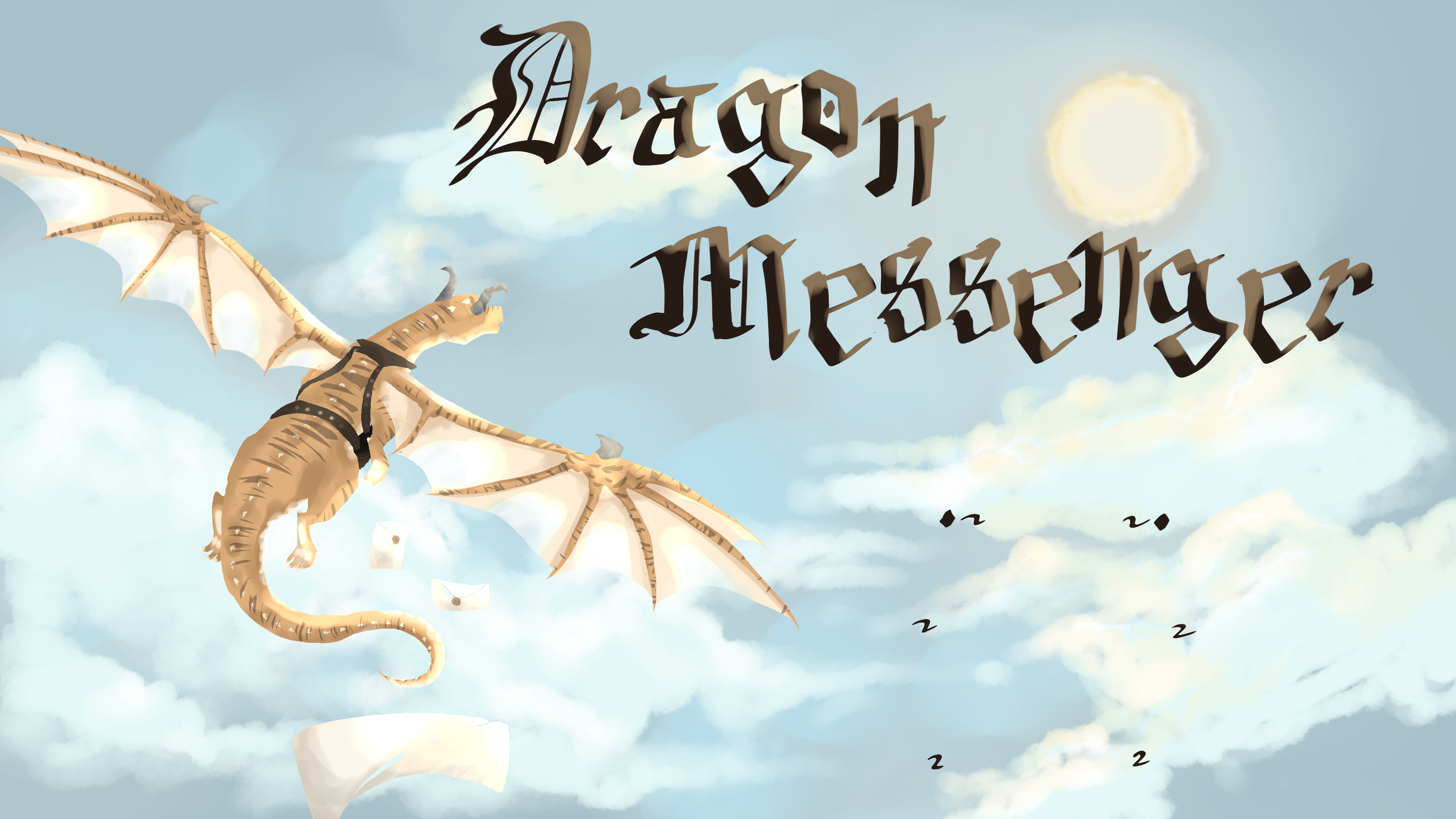
Dragon Messenger is a unique game that brings new life into the gaming world by moving away from repetitive themes. Players take on the role of messengers in vibrant terrain filled with dragons and mystical beings delivering messages and completing unique tasks. The gameplay encourages exploration and creativity as players navigate distinct environments filled with challenges. The game is filled with dynamic storytelling; choices made by players impact the narrative offering a unique experience. Each decision can lead to different outcomes, making every playthrough unique. Dragon Messenger offers significant replayability.Progression is about personal growth with rewards for completing storylines including stat boosts and new abilities that enhance future gameplay. Players can also customize their messengers to fit their playstyle: fast stealthy strong. An achievement system encourages exploration and rewards for curiosity making each journey engaging with its blend of strategy adventure and storytelling.
* Keyboard | What it does | Controller
* W / Forwarded / Left joystick
* A / Left / Left joystick
* S / Backwards / Left joystick
* D / Right / Left joystick
* Shift / Run - fly fast / Click left joystick
* Space bar / Jump - when on ground - hold stop flying - hold start flying / A
* Right click / Default attack / Right trigger
* Left click / Ability / Left trigger
* Scroll wheel - when flying / Flying up and down / (Y - is up)(B - is down) - when flying
* E / Introact - hold to see more option if there are some / X
* C - when on ground / Crouch / hold hide cant use while flying / Click right joystick - When on ground
* 1 / Dragon call/ Bumpers change which one is selected then click both to activate
* 2 / Dragon call / Bumpers change which one is selected then click both to activate
* 3 / Dragon call / Bumpers change which one is selected then click both to activate
* C - when flying / Barol roll off to side / Right joystick - when flying Esc / Menu - pause game / (☰)
*
1. Install steam on a pc from google.
2. Make an account or log in.
3. Go to search bar.
4. Look up Dragon messenger.
5. Then install.
Game Portfolio Document
Open documentDetails
- Division
- Season
- Platform
-
 Windows
- Engine
-
 Unreal
- Views
- Links
- Download
- Registered
- Yes
- Team number
- 670
- Table number
- 8

Crop and upload image
Image should be minimum × . Please respect copyright. All assets should be public domain, Creative Commons, or created by your team.