Quilt Competing


Awards
Gallery


Description
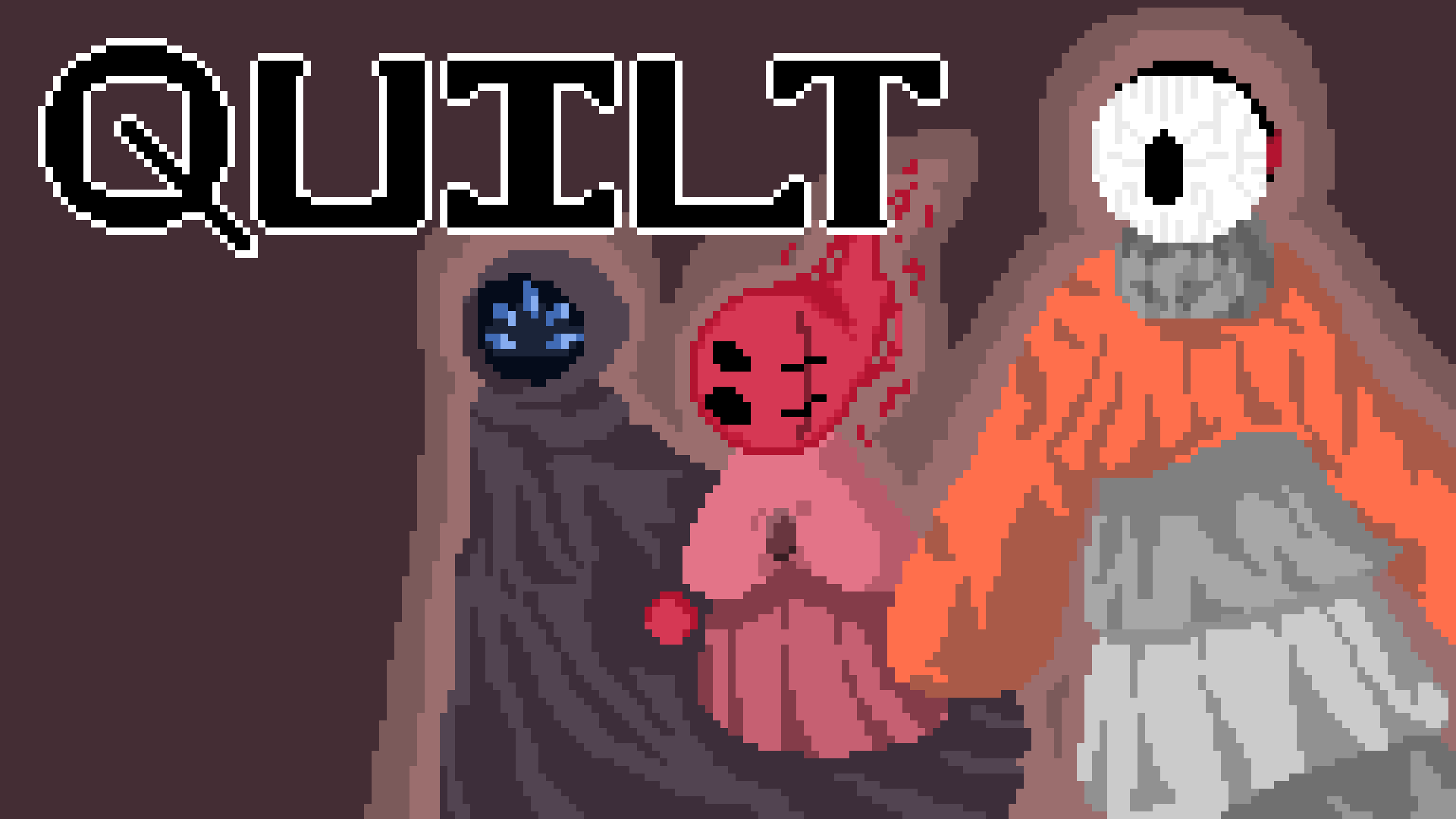
You– a young fire spirit– are violently exiled from the only land that you know. With no path back the way you came, your only chance at returning is circumnavigating the Wheel. You accidentally awaken a construct of a bygone age and team up for one shared purpose: coming back home.
QUILT is a 2D rhythm-platformer with a story-rich narrative, hand-written music, and unique gameplay mechanics
* Explore its chromatic kingdoms to 13 unique music tracks— all hand-written, and some played by a live band!
* QUILT’s gameplay revolves around your fire ball. Teleport into stasis chambers, soar with ziplines, bounce it off of mirrors, blast through breakable walls, and use its recoil to reach new heights.
* Collect Vinyls to to unlock more lore about QUILT's settings, characters, and history.
* Uncover the ancient secrets of the Wheel’s past– and its characters’ intertwined relationships within its future.
Far away from the sanctuary you grew up in, the world is falling apart. The sun descends closer to the Wheel. Full kingdoms have become sterilized and bleached from solar heat. The Champions of the world are doing nothing to reverse it. They tried, once, but that plan failed a long time ago.
The Wheel is losing its color. There’s no chance to turn back. The only way out is through.
Will you simply come home— or will you endeavor to save the Wheel itself?
[ Quilt is currently in a early demo stage, with only a small portion of the planned game playable. ]
QUILT can be played with either keyboard and mouse or a controller.
KEYBOARD & MOUSE:
A & D : Move left and right
SPACEBAR : Jump
LEFT CLICK : Shoot fireball / recoil
E : Interact
S or LEFT SHIFT : Crouch
ESCAPE : Settings / Pause menu
CONTROLLER:
LEFT JOYSTICK or D-PAD : Move left and right
BOTTOM ACTION BUTTON : Jump
(Sony Cross, Xbox A, Nintendo B)
RIGHT JOYSTICK : Shoot fireball / recoil
LEFT ACTION BUTTON : Interact
(Sony Square, Xbox X, Nintendo Y)
RIGHT SHOULDER BUTTON : Crouch
PLUS / MINUS : Settings / Pause Menu
#### How to Download and Run QUILT - Method 1
STEP 1: Download QUILT from the OGPC page.
STEP 2: Unzip the file, if it is zipped
STEP 3: Run `xattr -d com.apple.quarantine /path/to/app` in the terminal. (Don't know how to get the file path? You can actually drag the application into the terminal and it will copy the file path into the terminal. For me, it was something like `/Users/hestia/Downloads/QUILT.app`, but yours will be different!)
4. Double click the game to run it. It should open now!
#### How to Download and Run QUILT - Method 2
STEP 1: Download QUILT from the OGPC page.
STEP 2: Unzip the file, if it is zipped, and try to open the game.
##### note: these photos were taken with opening the Avaloki MacOS app, on an old computer, but the process is the same!!

STEP 3: You should see an error as shown above. Click OK.

STEP 4: Go to System Preferences, and then to Security & Privacy (_Screenshots were taken on a old MacOS because my computer is old, GUI has changed on more recent versions._)

STEP 5: Under General, click Open Anyway next to the message talking about QUILT being blocked.

STEP 6: Another message will pop up. Press Open.
STEP 7: QUILT should be running!
Game Portfolio Document
Open documentDetails
- Division
- Season
- Platform
-
 Mac
Mac
- Engine
-
 Godot
Godot
- Views
- Links
- Download
- Registered
- Yes
- Team number
- 474
- Table number
- 18
Members





Crop and upload image
Image should be minimum × . Please respect copyright. All assets should be public domain, Creative Commons, or created by your team.